Where to find it
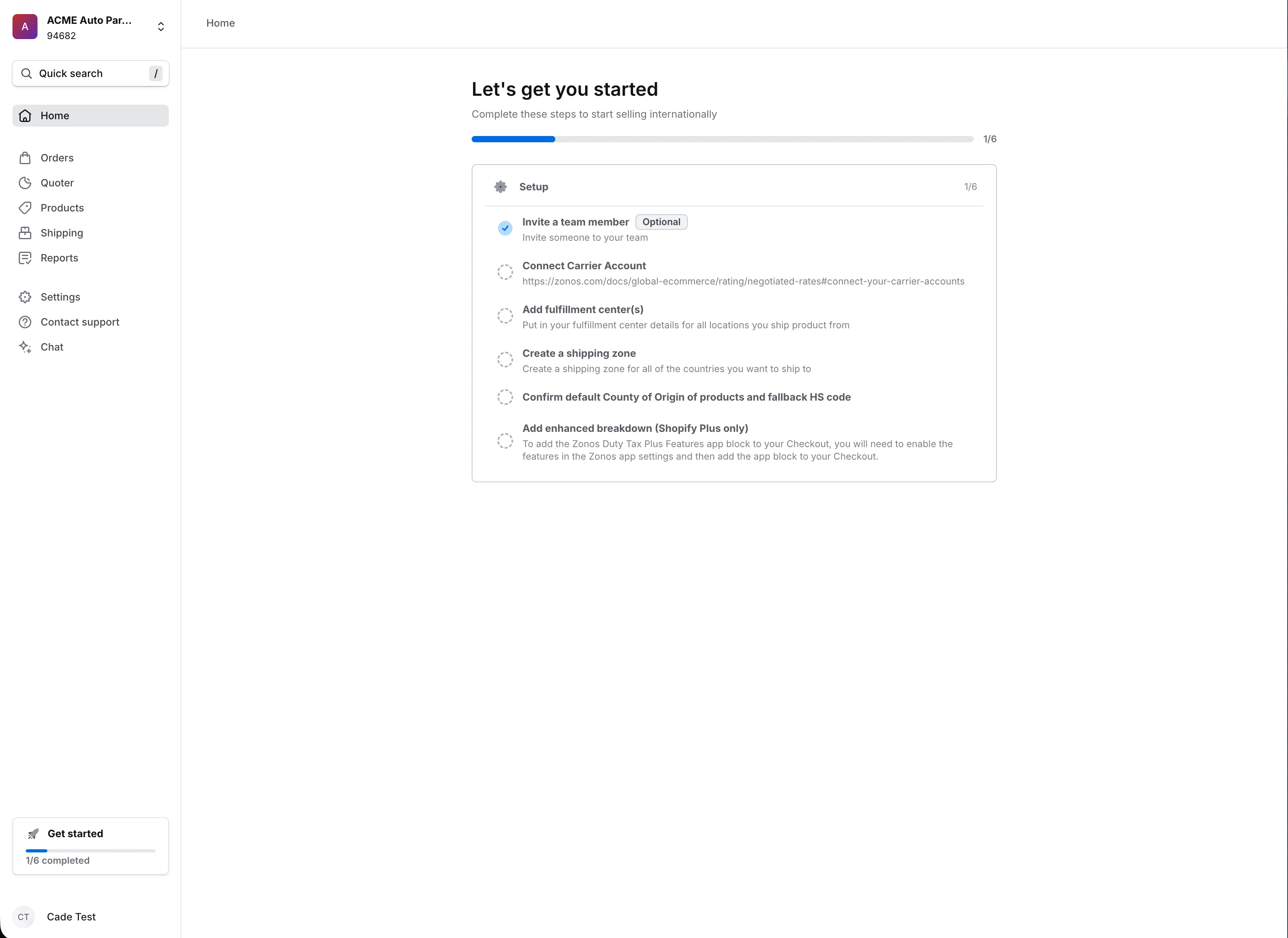
- Home page — full checklist with a progress bar.
- Sidebar — compact card that opens the checklist.
How items complete
- Automatic. Most items check themselves off when you complete the action in the dashboard (for example, creating a shipping zone).
- Manual. Tick the checkbox on any row to mark an item complete or re-open it.
When the checklist goes away
The checklist stays visible while you're still setting up. Once everything is complete, it's replaced by your analytics home view.
Activation checklist
Track what's left before your first international order.After setup, your Zonos dashboard shows a checklist of remaining tasks for your store. Items are grouped by topic, and each one includes a short description of what it does for your checkout.